Choosing a CMMS gets all the attention — the demos, the feature comparisons, the implementation timeline. But the software is rarely why a maintenance program succeeds or fails. The deciding factor is the asset data loaded into it, and that data does not come from a vendor. It has to be physically collected from the plant floor, asset by asset. A CMMS is only ever as good as the data collected into it.
This guide covers what CMMS asset data collection actually involves: what to capture, how field walkdowns and nameplate capture work, the data model your CMMS needs, and why this is a field-services problem rather than a software one. If your assets are already in a CMMS and you need to confirm the records are right, that is a different job — see our CMMS asset verification guide. This article is about collecting the data in the first place.
Why CMMS Projects Fail on Data, Not Software
Maximo, Infor EAM, UpKeep, and Limble are all capable platforms. When a CMMS implementation stalls, the culprit is almost always the data: assets missing entirely, no parent-child hierarchy, blank manufacturer and model fields, inconsistent naming, and duplicate records. Software vendors quietly assume you arrive with a clean asset register. Most organizations do not — they have a spreadsheet that is part-accurate, a decade out of date, and never reconciled against the floor.
That gap is not closed by configuring software. It is closed by walking the facility and capturing the data that should have existed all along. This is precisely the lane that software vendors do not serve and that a field team built around physical asset work does.
What "Asset Data Collection" Actually Means
Asset data collection is more than a list of equipment. A CMMS needs a structured record for each asset so it can schedule maintenance, hold history, and link spare parts. At minimum that means:
The minimum CMMS asset record
- Unique asset ID / tag — a durable, scannable identifier (barcode, QR, or RFID)
- Equipment type & description — consistent, standardized naming
- Nameplate data — manufacturer, model, serial number, ratings (HP, voltage, capacity)
- Location — building, area, line, and physical position
- Asset hierarchy — parent-child structure (system → equipment → component)
- Criticality — how much a failure of this asset matters
Stronger programs add photos, condition, installation date, and links to spare parts and preventive maintenance plans. The exact fields are dictated by your CMMS data model, your asset hierarchy design, and any reliability standard you adopt, such as ISO 14224 for equipment taxonomy in process industries.
Where the Data Comes From: The Plant-Floor Walkdown
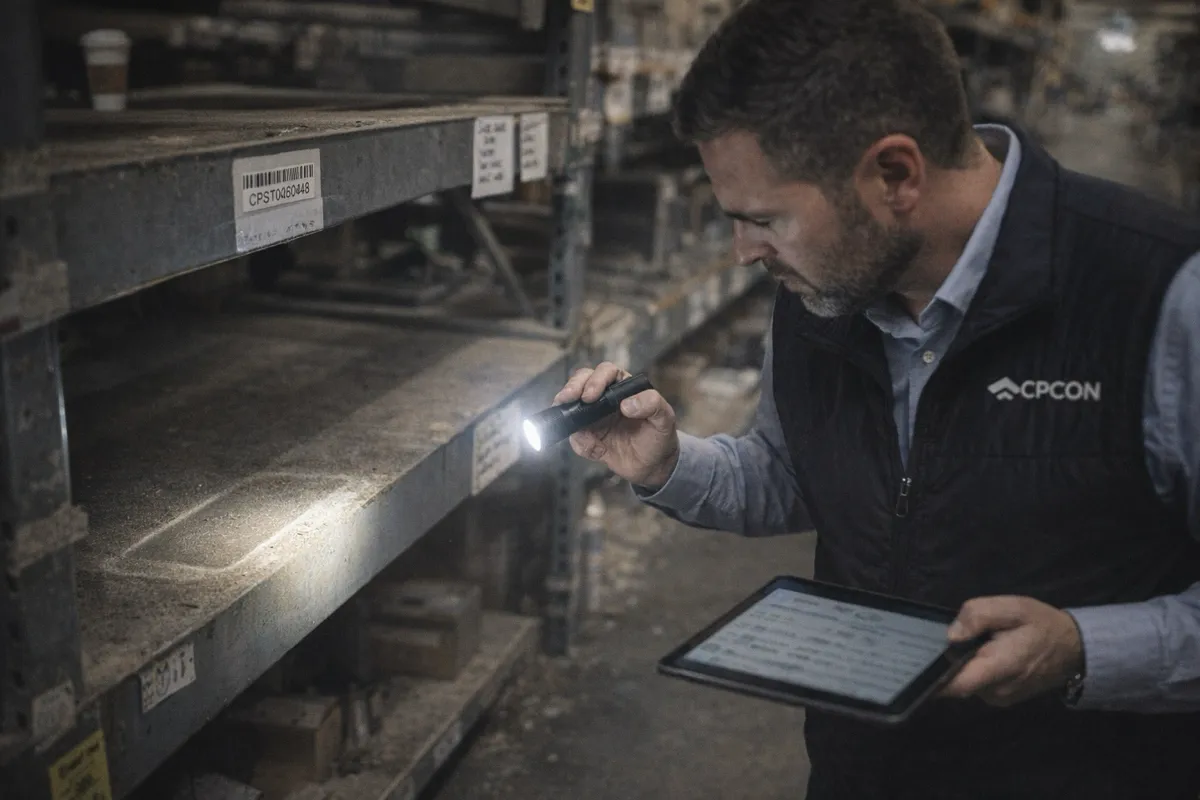
There is no shortcut around the floor. Accurate asset data is collected through a structured walkdown:
- Move through the facility zone by zone so nothing is missed or double-counted
- Identify each asset and confirm it is real, in service, and not already recorded
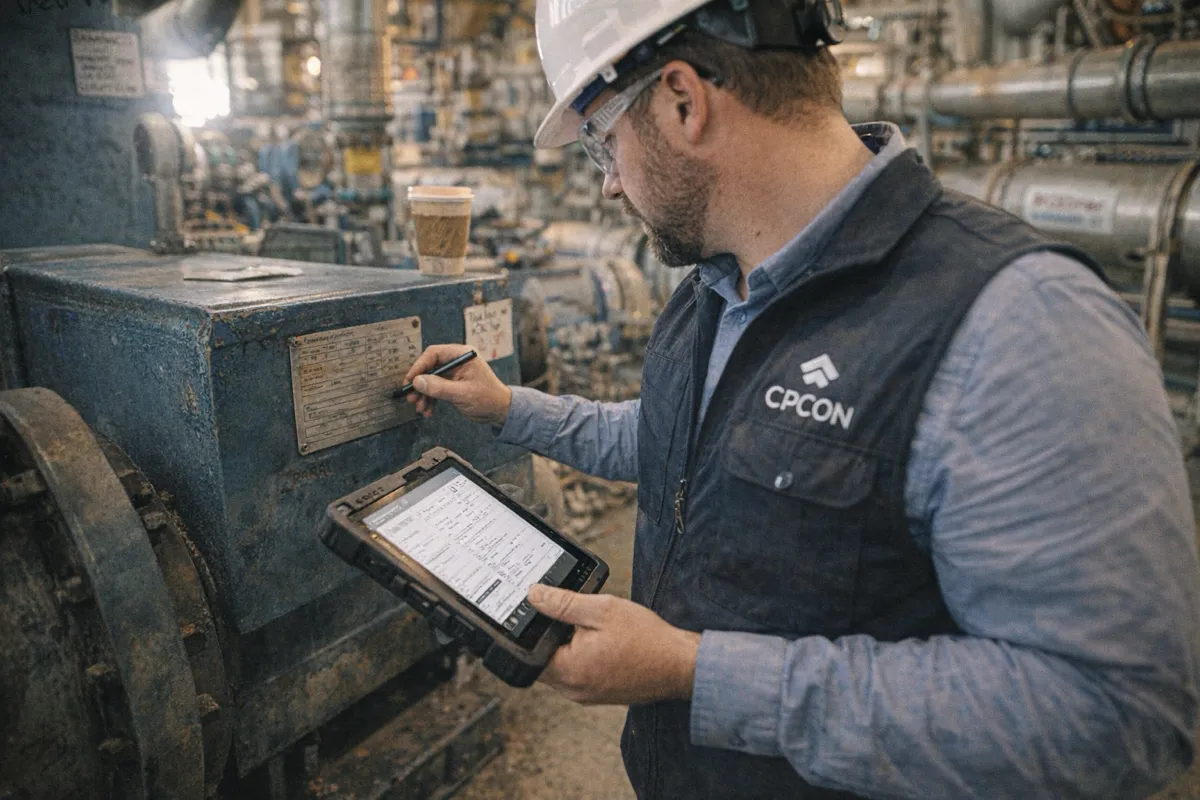
- Read and photograph the nameplate; transcribe manufacturer, model, serial, and ratings
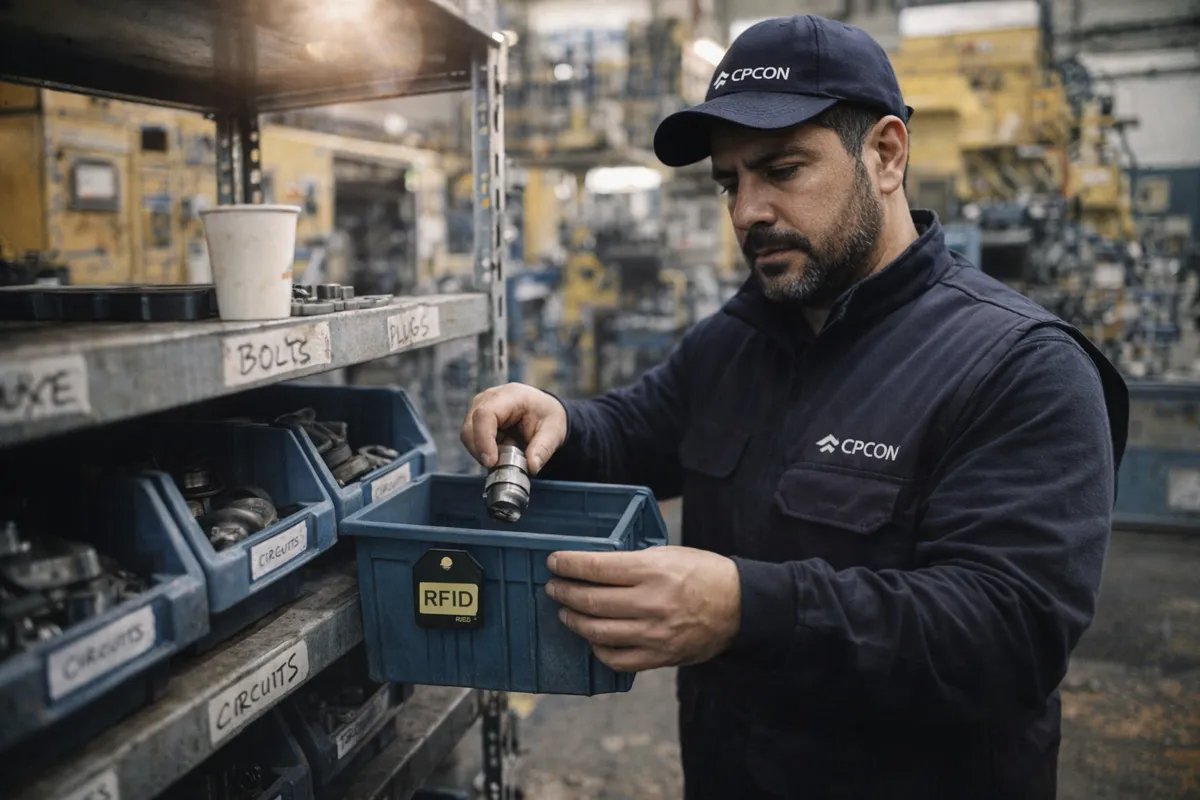
- Apply or scan a durable tag and record its ID
- Capture location and place the asset in the hierarchy on a mobile device
- Assign criticality and note condition
It sounds mechanical until you do it. Nameplates are worn, painted over, or behind guards; assets sit above ceilings, inside enclosures, or in energized spaces; and "the floor" includes equipment nobody on the maintenance team remembers installing. Disciplined field methodology — not the data-entry screen — is what separates a register you can trust from one you cannot.
The Reality of Nameplate Capture
Nameplate capture is where data quality is won or lost. The nameplate is the source of truth for an asset's identity, but it is also the hardest field data to get right: weathered text, non-standard formats across manufacturers, and ratings that mean different things on different equipment. Photographing every nameplate (not just transcribing it) creates an auditable record and lets a second person resolve ambiguity later. Where nameplates are missing entirely, assets have to be identified by type, dimensions, and context — and flagged for follow-up rather than guessed.
Collection vs. Migration vs. Verification
These three jobs are related but distinct, and conflating them is a common mistake:
| Job | Starting point | Goal |
|---|---|---|
| Data collection | No reliable data exists | Build the asset register from the floor |
| Data migration | Data exists in an old system | Clean, map, and load it into the new CMMS |
| Verification | Data is already in the CMMS | Confirm it matches the floor and fix gaps |
A new facility or a first CMMS usually needs collection. A platform switch needs migration (and collection for whatever the old data missed). An existing CMMS that has drifted needs verification. Most real projects need a combination — which is why scoping the data work honestly at the start saves the implementation.
Getting the Data Model Right
Collected data is only useful if it is structured consistently. Before the walkdown starts, define the asset hierarchy, a standardized equipment taxonomy and naming convention, the criticality scale, and the required fields. In process and asset-intensive industries, ISO 14224 provides a proven taxonomy and failure-data structure. Setting these standards first — rather than cleaning up inconsistent data afterward — is the difference between a register that powers reliability analytics and one that just holds work orders.
In-House vs. Outsourced Collection
Asset data collection is labor-intensive, front-loaded, and quality-critical — three reasons it is frequently outsourced. An experienced field team collects faster, applies a consistent standard across the whole site, and is independent of the records being created, which removes the shortcuts and bias that produce unreliable data. In-house teams can do the work, but rarely have the capacity to walk an entire plant while keeping daily maintenance running, so either the schedule slips or the data is rushed.
Collecting Data That a CMMS Can Actually Use
CPCON Group collects CMMS and EAM asset data the only way it can be done reliably — on the plant floor. Our field teams walk the facility, capture and photograph nameplate data, tag assets, build the hierarchy and criticality, and deliver a standardized asset register structured to your CMMS data model, whether you run Maximo, Infor EAM, or a lighter platform. The result is a maintenance system loaded with data your team can trust from day one — not a powerful tool sitting on top of a guess.
Talk to our team about collecting or rebuilding the asset data behind your CMMS — part of our CMMS data services.