Wine Cellar Stocktaking: From Days of Counting to Minutes
Counting tens of thousands of bottles by hand swallows entire days and still leaves room for error. Here is a practical, honest look at how RFID turns wine cellar stocktaking into a minutes-long walk-through with bottle-level accuracy.
Rafael Dias
President/CEO MX, CDMX
Rafael leads CPCON's operations in Mexico and Latin America, specializing in RFID technology implementation and inventory management solutions. His expertise helps wineries, distributors, and hospitality groups modernize how they count and control high-value stock.
Wine cellar stocktaking is the periodic physical count of every bottle in a cellar, reconciled against what your records say should be there. It sounds simple until you are standing in front of racks holding tens of thousands of bottles across dozens of vintages, formats, and price points. At that scale a manual wine cellar stock count is slow, error-prone, and disruptive, and the shrinkage it is meant to catch often slips through anyway. This guide walks through why traditional methods struggle and how a structured RFID process turns the job from days into minutes.
Quick answer: How do you do a wine cellar stocktake with RFID?
Tag each bottle with a UHF RFID label, define the count and its scope in your inventory platform, then walk the cellar with a handheld reader that captures hundreds of tags per second. The system reconciles counted against expected stock, flags discrepancies, and syncs the verified count to your ERP, turning a multi-day count into minutes.
Why Wine Cellar Stocktaking Is So Painful at Scale
A small private cellar can be counted by hand in an afternoon. A commercial cellar, a fine-wine distributor, or a hospitality group cannot. The problems compound as volume grows:
- It takes days. Manually counting tens of thousands of bottles, vintage by vintage, can consume a full week of staff time.
- It is error-prone. Tired eyes miscount, tally marks get lost, and similar labels are easily confused.
- It disrupts operations. Counts often mean closing sections of the cellar, halting picking, or working overnight.
- Shrinkage hides. When the count itself is unreliable, breakage, misplacement, and loss go undetected until the gap is too large to explain.
Traditional Methods and Their Limits
Clipboard and manual counts
The oldest method is also the slowest. A team walks the racks, ticks off bottles on a sheet, and types the totals in later. Every hand-off, from rack to paper to keyboard, is a chance to introduce an error, and there is no audit trail once the sheet is recycled.
Spreadsheets
Spreadsheets organize the result but not the count itself. You still gather the numbers by hand, and a single mistyped quantity or copied formula can quietly distort the whole inventory. They scale poorly across multiple cellars and offer no real-time view.
Barcode scanning
Barcodes are a step up in accuracy but demand line of sight. Each bottle must be handled, turned, and scanned one at a time, which is impractical for stacked cases and deep racks. For a large cellar, barcode scanning is more accurate than a clipboard yet barely faster.
A Step-by-Step RFID Stocktaking Process
RFID removes the two bottlenecks that slow every other method: line of sight and one-at-a-time handling. A purpose-built RFID wine inventory tracking platform ties the hardware to your stock records so a count becomes a controlled, repeatable process. Here is how it runs end to end.
1. Tag the bottles
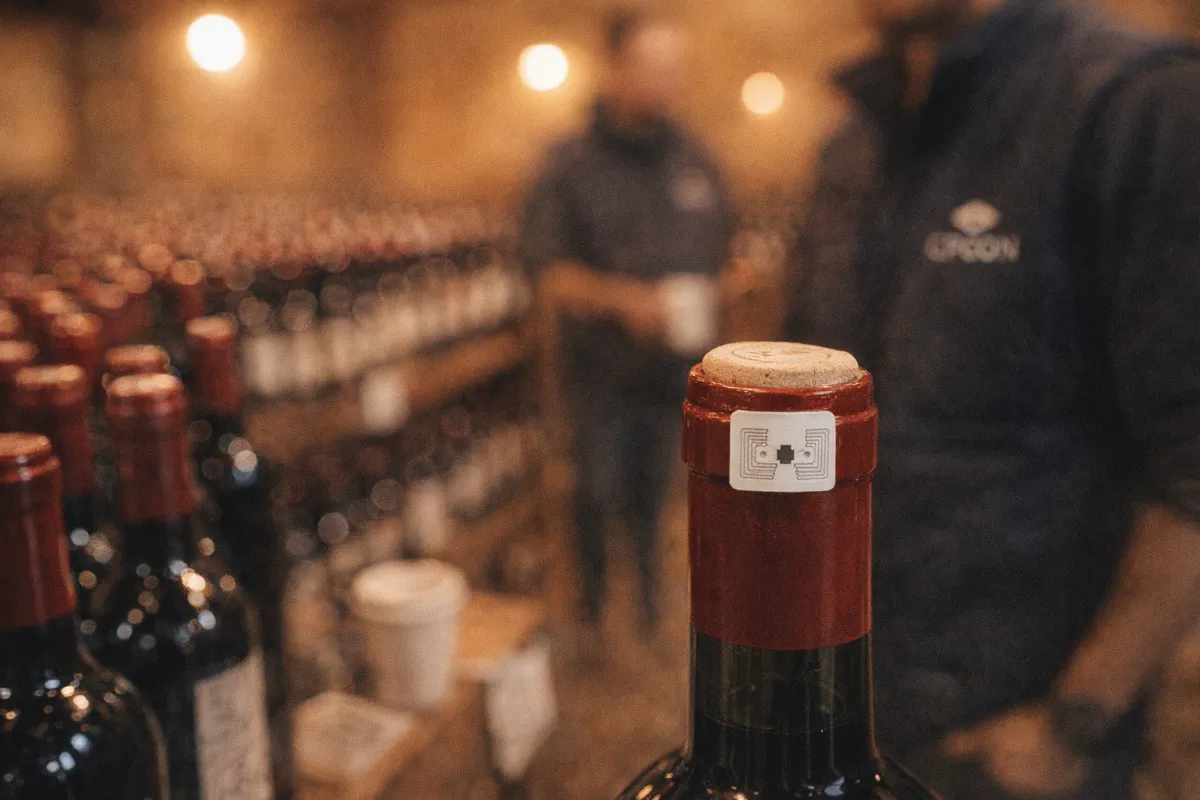
Apply a UHF tag to each bottle, typically a cork or capsule tag paired with a human-readable counter-label, so each bottle carries a unique electronic identity that survives cellar conditions. This is the one labor-intensive step, and it is done once. The same approach underpins bottle-level RFID wine bottle tracking across the rest of the supply chain.
2. Define the count and scope
In the platform, set up the stocktake: choose whether it is a full wall-to-wall count or a cycle count of a single aisle, rack, or vintage, and load the expected stock for that scope. Defining scope up front is what lets the system reconcile and flag gaps automatically afterward.
3. Walk the cellar and read
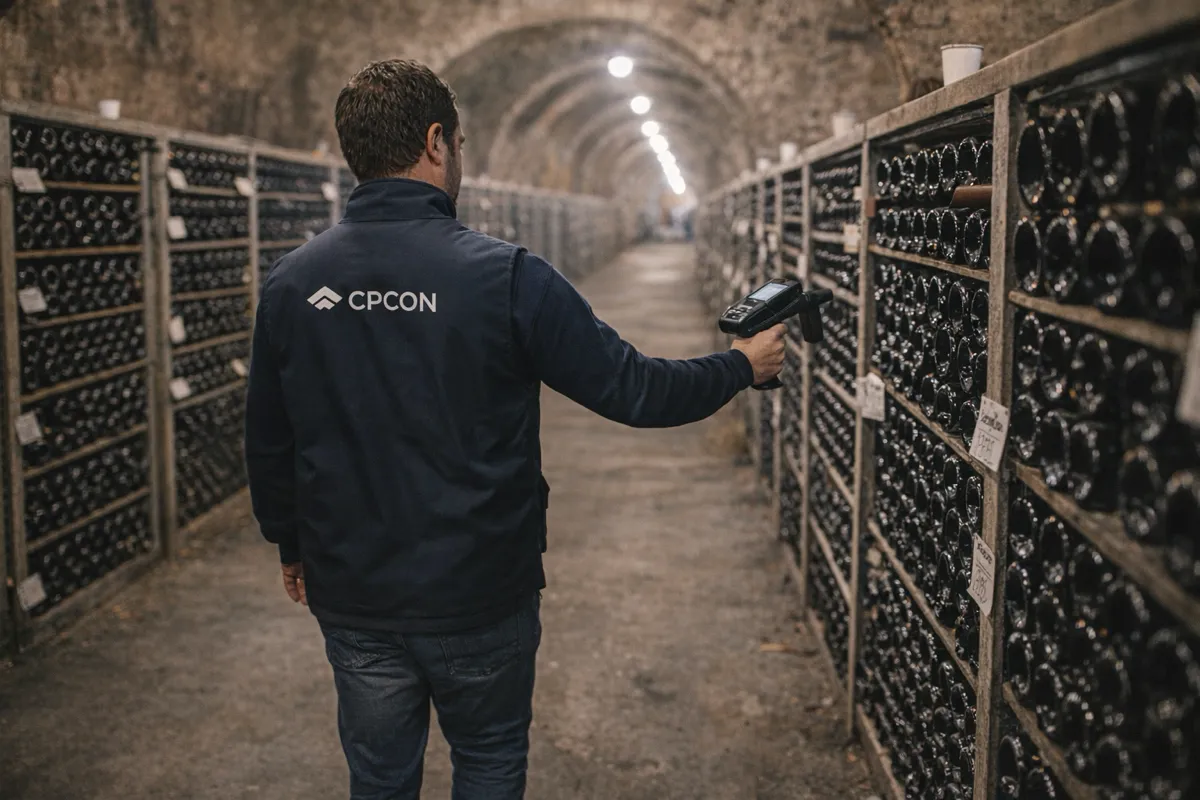
Move through the cellar with a handheld UHF reader, or pass cases through a dock portal, capturing hundreds of tags per second without touching or turning a single bottle. There is no line-of-sight requirement, so deep racks and stacked cases are counted as fast as you can walk past them.
4. Reconcile and flag discrepancies
The platform compares counted against expected in real time. Missing bottles, unexpected extras, and misplaced vintages are flagged immediately so a counter can re-scan a problem rack on the spot rather than discovering the gap weeks later. This is where shrinkage finally becomes visible.
5. Sync to your ERP
Once the count is verified, push it to your ERP, whether SAP, TOTVS, or another system, with the correct tax codes attached and an immutable, LGPD-compliant audit log of who counted what and when. The financial record updates from a trusted count instead of a hand-keyed estimate.
What RFID Changes About the Count
- Days become minutes: a week-long manual count compresses into a single walk-through
- Bottle-level accuracy: every bottle is uniquely identified, not estimated by the case
- No line of sight: tags read through glass, liquid, cardboard, and stacked cases
- Shrinkage surfaces: discrepancies are flagged the moment they appear, not at year end
- Minimal disruption: counts run during operations instead of shutting the cellar down
How RFID Reads Through Glass, Liquid, and Cases
The detail that makes wine cellar stocktaking practical is that UHF RFID does not need to see a bottle to count it. Radio waves pass through glass, the wine itself, and cardboard, so a reader registers tags inside sealed cases and behind front-row bottles. That single property is why a count of stacked, packed, deep-racked stock can happen at walking speed, and why bottle-level totals stay accurate even when nothing is unpacked.
Best-Practice Tips
Mix cycle counts with wall-to-wall
Reserve full wall-to-wall counts for period close and audits. Between those, run cycle counts on a rotating schedule, one rack, aisle, or high-value vintage at a time, so records stay accurate continuously and a discrepancy is never more than a few days old.
Mind tag placement and collisions
Place tags consistently on the cork or capsule so dense racks read cleanly, and manage your EPC range to avoid tag collisions when thousands of tags sit in a reader's field at once. Consistent placement also keeps the human-readable counter-label easy to verify by eye.
Use box tags for transport cases
For cases moving in and out of the cellar, add a box-level tag so a whole case can be confirmed and reconciled in one read. Pair this with proper winery inventory management software and the same tag identities flow from receiving through the cellar to dispatch, and into the broader RFID tracking backbone that connects every site.
Turn Your Next Stocktake Into a Walk-Through
Wine cellar stocktaking does not have to mean a lost week and a count you only half trust. With bottles tagged once and a structured RFID process, every cellar stocktake becomes a fast, accurate, repeatable walk-through that catches shrinkage and feeds clean numbers straight to finance.
See how CPCON's RFID wine inventory tracking platform can compress your next wine cellar stock count from days into minutes, with bottle-level accuracy and ERP-ready audit trails.